
See the platform. Understand your role.
Real screens, explained step by step. One shared process with different permissions for managers, chairpersons, residents and companies.
Your communities, in one place.
See communities, residents, open cases and completed work. Each manager accesses the information assigned to them.
Your management at a glance
Example of activity across communities, residents and jobs.
- 01
Keep work in context
Organise cases and documents by community.
- 02
Coordinate people
Register communities and residents; assign the chairperson role.
- 03
Decide the next step
Review communal issues and assign the responsible company.
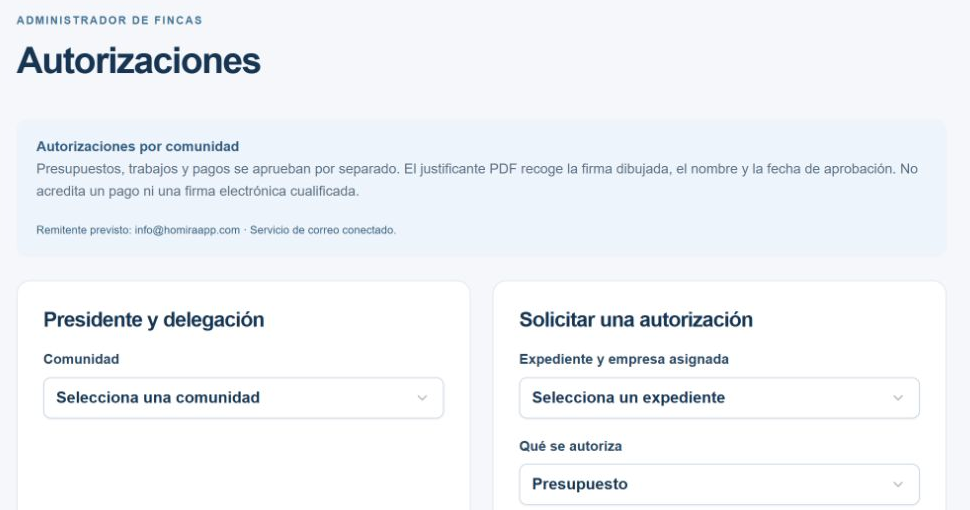
Keep a record of every approval.
Quotes, permission to start work and payment approval are separate decisions. A chairperson may approve within the scope of a valid delegation.
- 01
Choose the approver
The manager configures the chairperson’s delegation for each community.
- 02
Record approval and signature
The record includes identity, date and a drawn signature when provided.
- 03
Keep the approval receipt
A PDF is linked to the case, available according to permissions and can be emailed to the company.
The PDF is an approval record, not proof of payment or a qualified electronic signature. The company can only consult receipts for its own jobs.
Invoiced. Paid. Still outstanding.
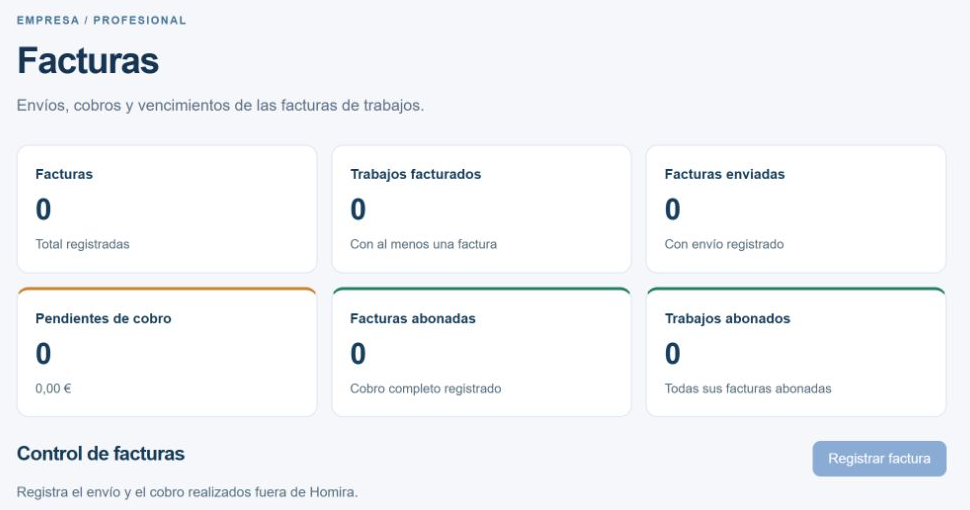
Distinguish recorded, sent, outstanding and paid invoices alongside the jobs they belong to.
- 01
Link the invoice
Record its number, amount and due date against the relevant job.
- 02
Track due dates
See days remaining or overdue and filter overdue invoices.
- 03
Record payment
Update payments received outside Homira. Payment approval does not mean payment has been received.
Keep the next service in sight.
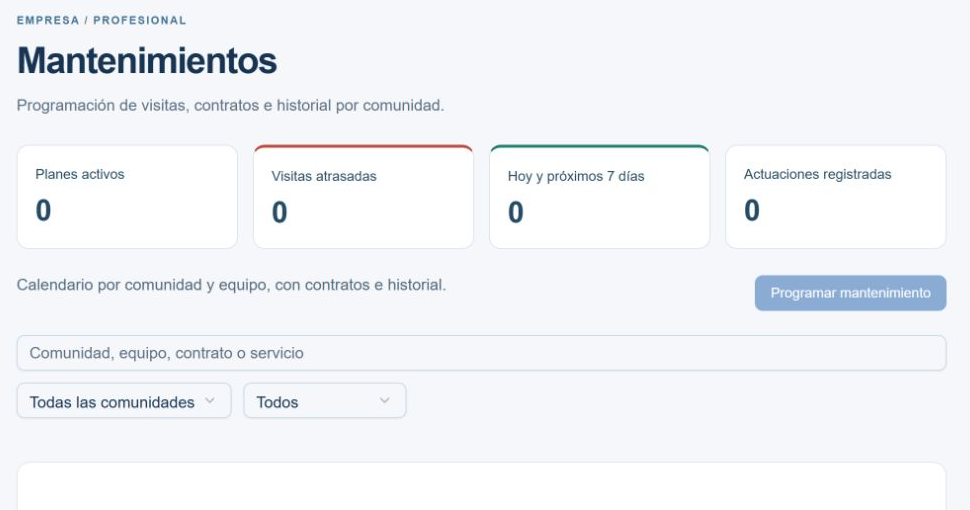
Link preventive maintenance to a community and asset. Set the schedule and keep the contract and service history together.
- 01
Prepare the contract
Upload a contract or use an available template as a starting point.
- 02
Schedule the service
Set dates and frequency for each maintenance plan.
- 03
Check upcoming work
See overdue visits, upcoming services and recorded work in the dashboard.
Due-date notices appear in the dashboard. Automatic maintenance email reminders are not enabled.
Report an issue. Follow its progress.
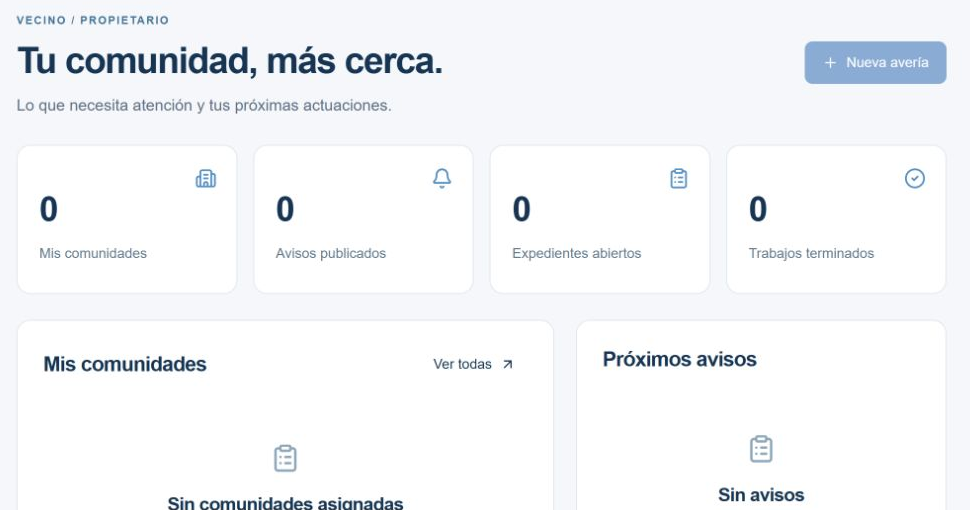
Describe the problem, add its location and attach photos or videos. Separate communal issues from repairs inside your home.
- 01
Show the problem
An overview and a detail photo help explain the issue.
- 02
Follow your case
See the status, comments and documents available to your account.
- 03
Stay informed
Read the notices and documents shared with you by your community’s managers.
Your space, with your permissions.
The CRM operates with authorised Homira accounts. Homira reviews company and property manager registrations; residents are linked to their community by its manager.
Creating a profile does not automatically grant access. You need an invitation and an approved profile. Read and accept the terms before carrying out operations; they remain available in your account.